MeetStream integrations for Zoom, Google Meet and Teams
MeetStream integrations connect one API to the meeting platforms your users run on, the calendars those meetings live on, and the systems where the data has to land.
How MeetStream integrations fit together
MeetStream handles the joining, the capture and the delivery. You wire meetings into your product.

A meeting bot API call with a link starts a bot on all three.
Connect one and bots book themselves onto upcoming meetings.
Media, text and lifecycle events reach your own pipeline.
Recordings land in your bucket, in the region you pick.
The bot joins as a visible participant, like any other guest, on any meeting plan. Start with $5 in free credit.
Meeting platforms
Join, record, stream and transcribe on the three platforms your users already meet on. Webex, GoTo Meeting, Slack huddles and WhatsApp calls are in Beta.
- ZoomThe cleanest per-participant audio, plus chat you can read and send.
- Google MeetMP4 recordings, real-time media, and more than one screen share at a time.
- Microsoft TeamsAudio per person tagged by speaker, with transcripts at your endpoint.
A page for each platform


Each page covers setup, platform rules and what the bot captures.
Calendars
Connect a calendar once. Bots then schedule themselves onto the right meetings, up to three months out.
- Read-only accessGive it once with OAuth, and the calendar stays exactly as you left it.
- Pick one event or all of themEvery meeting with a link, or just the ones you choose.
- Changes follow the calendarBots keep in step when meetings move or cancel, and recurring series follow the rule.
A page for each calendar
One user can hold up to 200 connections, Google and Outlook together.
Transcription and downstream
Get transcripts, events and saved media inside your own systems.
- Six transcription enginesUse the in-house engine, which names each speaker, or bring your own key.
- Events with no pollingLifecycle events land at your endpoint, ready to push into a CRM, Slack or a database.
- Your own bucketWrite recordings and media straight to it. You pick the region, and your rules apply.
A page for each destination
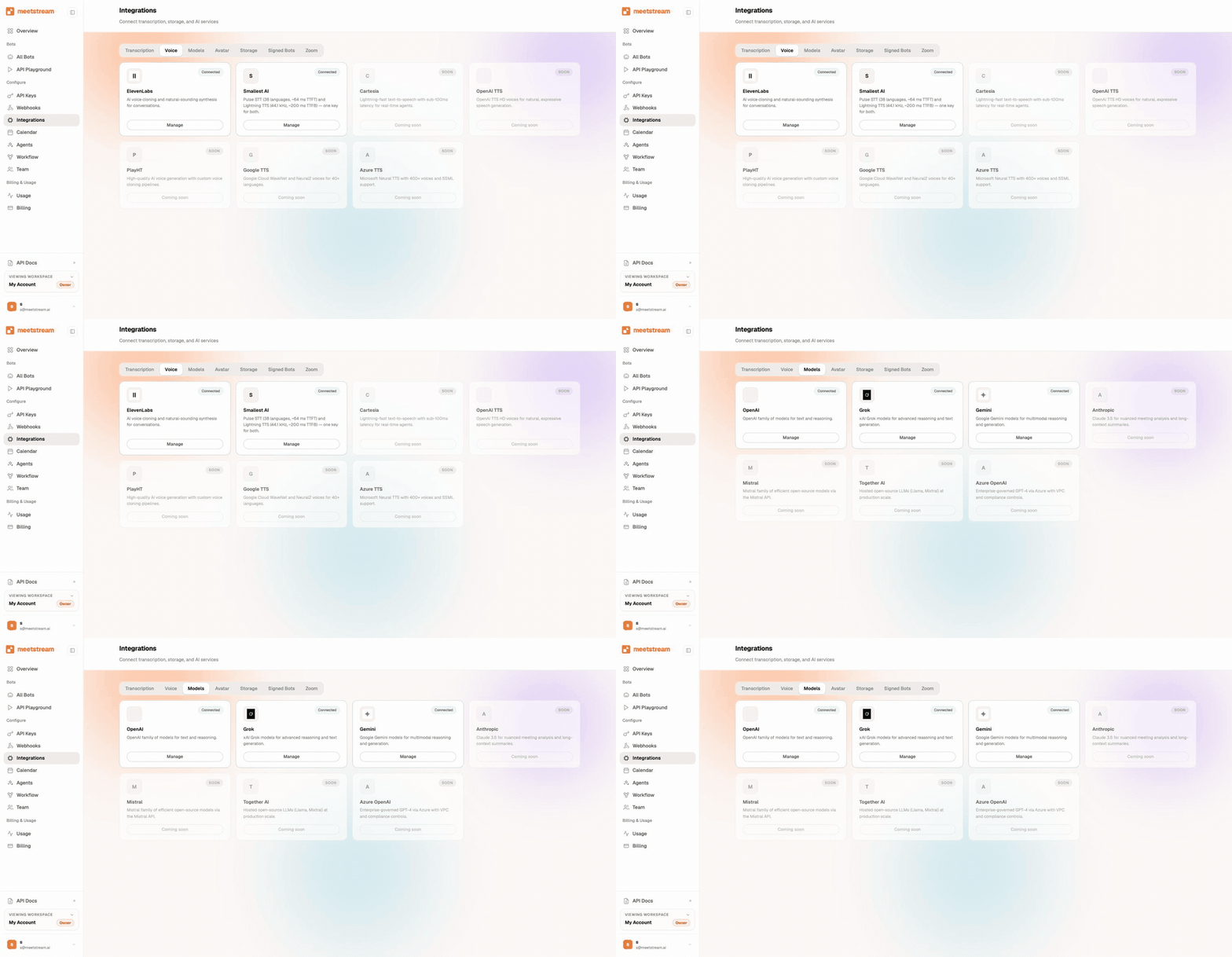
Every engine and model is named on the providers page.
Enterprise-level security, keep your data private.
The certificate, the audit status and the Trust Center are all on the security page.
MeetStream is ISO 27001 certified, with SOC 2 Type 2 under audit.
MeetStream is GDPR compliant, and bots run in the United States by default.
A meeting link is all it takes, and the host account stays untouched.



Limits and defaults across every integration
Got a question? We got the answer.
Common questions about the integrations. Platforms covered, what to install, and how data reaches you.
Which meeting platforms does MeetStream support?
MeetStream works across Zoom, Google Meet, and Microsoft Teams. The same API covers all three, so one code path joins, records, streams, and transcribes on every one of them. Webex, GoTo Meeting, Slack huddles and WhatsApp calls are in Beta. Beta platforms are enabled per workspace. Contact us for access.
Do I need to install anything in each meeting?
A meeting link is all it takes. Pass it to the API and a bot joins as a visible participant. Where a waiting room is on, the host admits the bot like any guest. The host account stays untouched, and any meeting plan works.
How do captured meetings reach my own systems?
Two things do the work. Webhooks POST lifecycle events to your endpoint, such as recording ready and transcript ready. Bring-your-own S3 means recordings land straight in your bucket. Together they let you wire meetings into a CRM, Slack, or a database, with no polling.
One API, your whole meeting stack.
Join, record, stream and transcribe meetings. Wire the data into the tools you already run.
One API, your whole meeting stack
Join, record, stream, and transcribe meetings. Wire the data into the tools you already run.