Meeting Recording API for Zoom, Google Meet and Microsoft Teams
Send a meeting URL and a named bot joins the call. You get an MP4, plus separate audio and video for every participant on Zoom, Meet and Teams. From $0.35 per bot-hour.
What is a meeting recording API?
A meeting recording API captures a live video call in code and hands the media back to your app. One request, and the recording arrives at a URL when the meeting ends.

There are two ways to get there.
| Native platform recording | A recording bot | |
|---|---|---|
| Where it runs | Each platform, its own API | One integration, all three |
| What it needs | The host plan, settings and permissions | A meeting link |
| Who can use it | Accounts on the right plan | Any account, any plan |
MeetStream is the second kind, built on the same meeting bot API that handles joining and streaming.
How to record a meeting with one API call
POST a meeting link. A bot joins under a name you choose, records, and fires a webhook when the call ends.
curl -X POST https://api.meetstream.ai/api/v1/bots/create_bot \
  -H "Authorization: Token $MEETSTREAM_API_KEY" \
  -H "Content-Type: application/json" \
  -d '{
    "meeting_link": "https://zoom.us/j/74648392",
    "bot_name": "Acme Recorder",
    "video_required": true,
    "audio_separate_streams": true,
    "video_separate_streams": true,
    "callback_url": "https://your-app.example.com/meetstream"
  }'
When the meeting ends you get the composed MP4. You also get a separate audio and video URL for every participant, so each speaker arrives ready to use.
ExampleWebhooks and events guide: request, response and options in the docsWebhooks carry state. The get bot video endpoint returns the MP4, and the matching audio, stream and transcription endpoints return the rest.
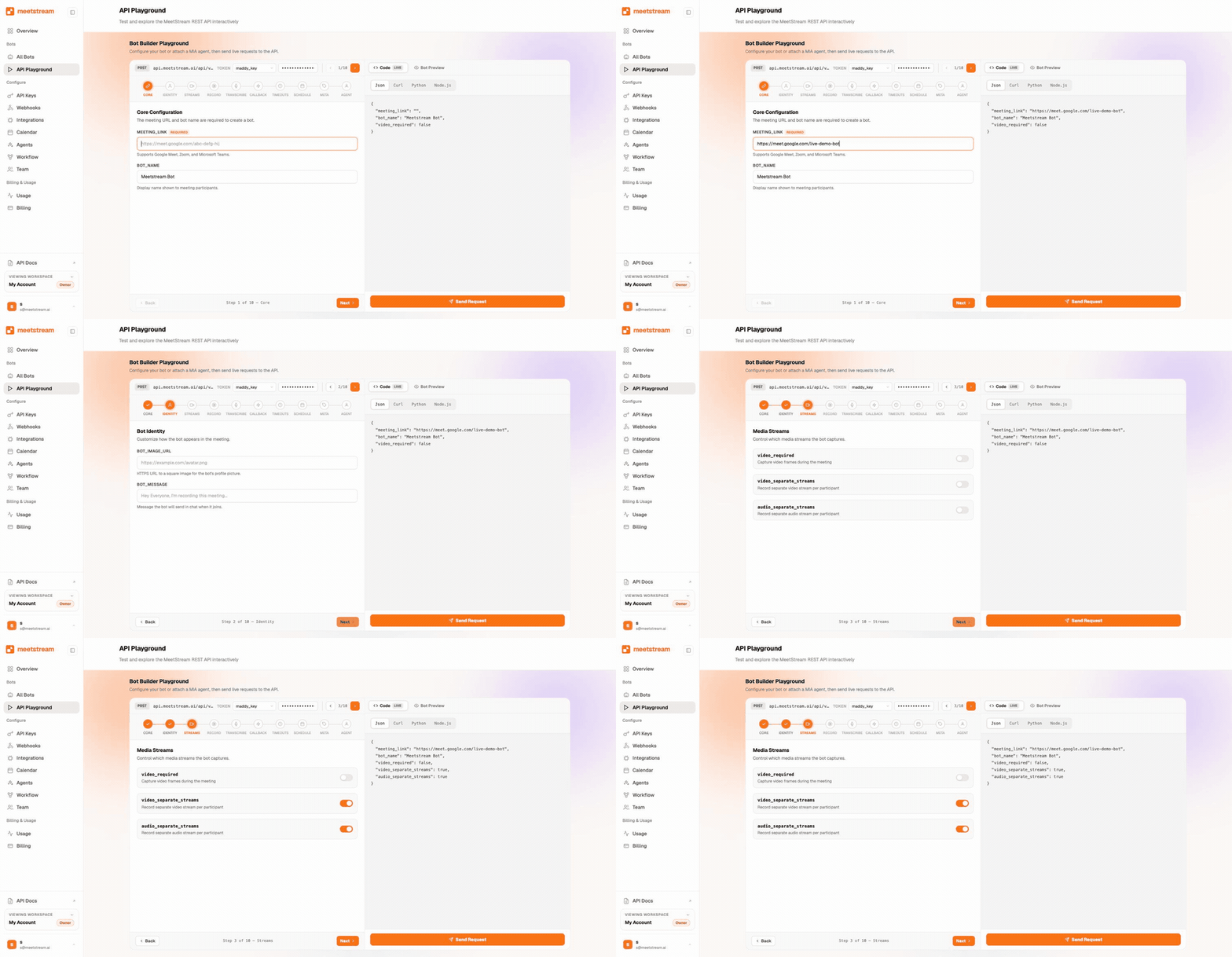
From a meeting link to your product
One request puts a bot in the call. It records and streams while the meeting runs. The webhook tells you when the artefacts are ready, and your product takes it from there.
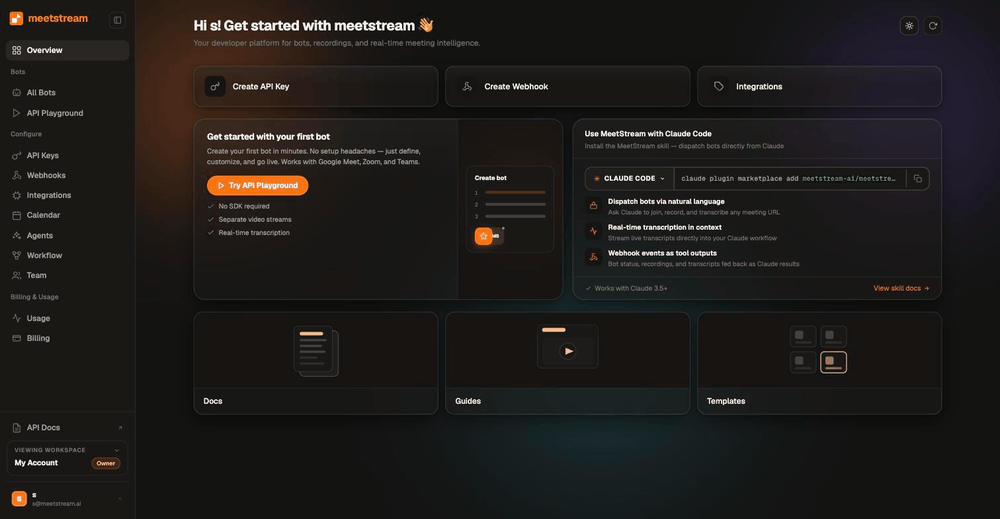
What you get from every recording
Webhooks cover the bot lifecycle, the end of the call and participant joins and leaves. The real-time transcripts page covers acting during the call, and the meeting transcription API covers the text.
Per-participant capture is where recording APIs differ. Nylas documents its Notetaker output as MP4 at 1280x720 and 12 frames per second, one view of the meeting.
Plan to build highlight clips per speaker, or to measure talk time, and that difference decides the project.
Recording rules on Zoom, Google Meet and Microsoft Teams
Each platform sets its own rules about who may record, on which plan, and how a bot gets into the room. Every claim links to the platform's own documentation.
| Zoom | Google Meet | Microsoft Teams | |
|---|---|---|---|
| Native cloud recording on the free plan | No, local only | No | No |
| Recording notice removable | Never for external participants | No | No |
| External or anonymous can record natively | Host can grant | Co-host only | No |
| Bot sent to the lobby by default | If Waiting Room is on | If Trusted or Restricted | Yes, bots are detected and lobbied |
| Sanctioned bot-free media API | RTMS, generally available | Media API, developer preview | Graph app-hosted media |
| True per-participant streams natively | Yes, via RTMS | No, three rotating slots | Yes, with the C# stack |
| Native recording length cap | Storage quota | 8 hours | Not specified |
Zoom
Cloud recording needs a paid plan and is limited to the host or a co-host. The disclaimer stays on for guests and external participants.
Since 2 March 2026, Meeting SDK bots present an OBF token, and the user who authorized your app has to be in the meeting.
Realtime Media Streams reached general availability in June 2025. It delivers per-participant media with no bot, through a Marketplace app.
Google Meet
Native recording is limited to specific Workspace editions and runs for up to eight hours. Admission matters more here than anywhere else.
Google documents that when a host unchecks "Anyone can ask to join", third-party bots such as note takers are automatically denied.
The Meet Media API is a developer preview, for enrolled participants, and gives three audio streams that rotate between the loudest speakers.
Microsoft Teams
Teams applies the tightest bot rules. Its external bot access policy defaults to approval on detection, which sends external bots to the lobby.
Teams also fingerprints bots on join. Microsoft states a Graph media bot is written in C# and deployed on Windows Server in Azure.
A recording bot sits above all three. Same behaviour on each platform, any account or plan, one integration instead of three.
Each platform has a recording page of its own: the Zoom recording API, the Google Meet recording API and the Teams recording API.
Where your recordings are stored
Connect your own S3 bucket and your lifecycle rules, object lock and retention schedule govern the record. Setup is on the S3 storage page.
The default region is the United States, with other regions on request. Nylas documents a maximum of 14 days and Recall includes 7, as the price table shows.
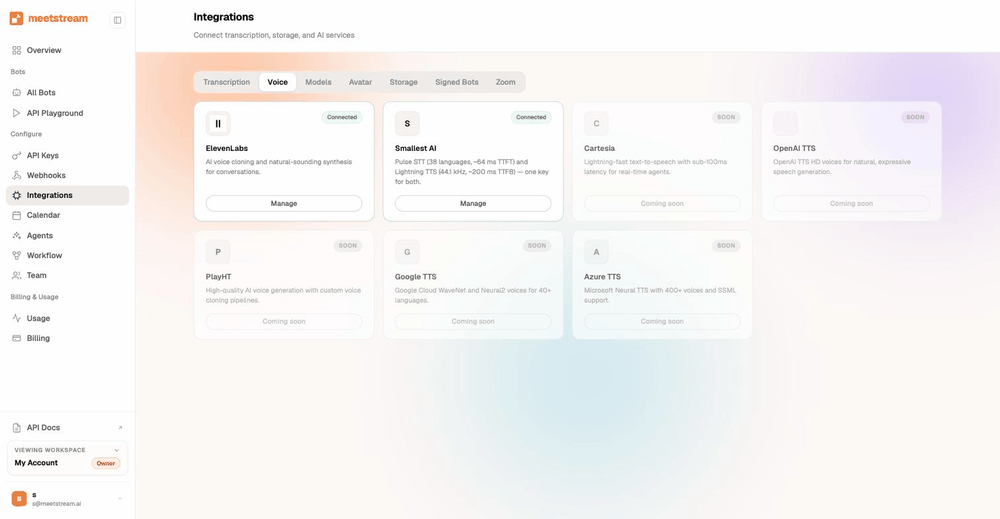
Meeting recording API pricing
Recording costs $0.35 per bot-hour, or $0.45 all-in with transcription, falling toward $0.25 at volume. Thirty days of storage is included.
Every account starts with $5 of free credit. Full detail on the pricing page.
| Provider | Recording | Transcription | Storage | All-in |
|---|---|---|---|---|
| MeetStream | $0.35/hr | +$0.10/hr | 30 days included | $0.45/hr |
| Recall.ai | $0.50/hr | +$0.15/hr | 7 days free, then metered | $0.65/hr plus storage |
| Nylas | $0.70 per recorded hour | Bundled | 14 days, hard cap | $0.70/hr |
These are the providers' own published rates, linked so you can check them. The Recall.ai comparison covers a migration in more detail.
Consent and recording law, briefly
Recording is regulated, and the rules depend on where the participants sit.
Under US federal law, 18 U.S.C. 2511(2)(d) permits recording when at least one party consents. Some states require every participant.
Counts of those states run from eleven to thirteen. Nine are clear: California, Florida, Illinois, Maryland, Massachusetts, Montana, New Hampshire, Pennsylvania and Washington.
Some statutes turn on secrecy rather than consent. Massachusetts reaches a recording made "secretly", Montana a hidden device used without the knowledge of all parties.
When people join from different states, the strict state's law can reach a recorder elsewhere. Kearney v. Salomon Smith Barney (2006) is the case on that.
In the EU a recording is personal data: a lawful basis under GDPR Article 6, notice under Article 13, limited retention under Article 5(1)(e).
The European Data Protection Board treats employee consent as unlikely to be freely given at work. German authorities expect a separate basis for the recording.
MeetStream bots join under a name you choose and sit in the participant list, which answers the statutes that turn on secrecy.
Washington asks for the announcement to be part of the recording, which is why a bot can post a message and speak into the room.
This is general information, not legal advice. Take your own counsel on your specific use case.
What are the recording limits?
| Limit | What it is |
|---|---|
| Length | Four hours by default, five with one setting, in a single unbroken recording |
| Concurrency | Open by default. Run as many bots at once as your product needs |
| Admission | A waiting room or lobby, depending on settings. The default for external bots on Teams |
| Service levels | Agreed per customer rather than published as one number |
Participant events tell your app the moment the bot is admitted, so you can show your user the real status.
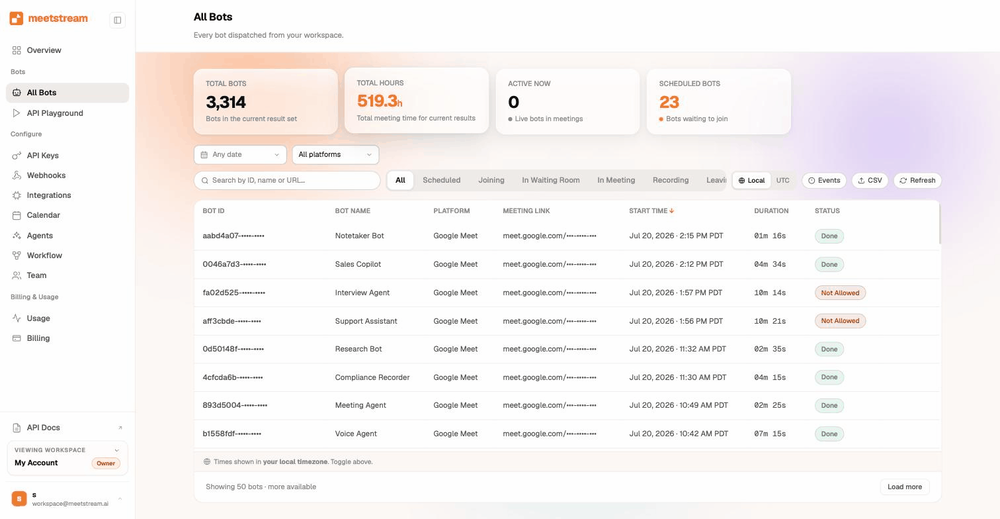
Output specification
| Artefact | Format | Notes |
|---|---|---|
| Composed recording | MP4, a composed view of the meeting | Fetched from the video endpoint. The presigned URL is good for ten minutes |
| Mixed audio | WAV, always produced | Fetched from the audio endpoint. The presigned URL is good for one hour |
| Per-participant audio | WebM/Opus, 48 kbps, 48 kHz mono, up to 16 concurrent streams | Turn on separate audio streams. One stream per participant on Zoom, Google Meet and Microsoft Teams |
| Per-participant video | WebM segments per participant | Turn on separate video streams. Webcam 640 by 360 on Zoom, up to 854 by 480 on Meet and Teams. Screen share up to 1280 by 720 |
| Transcript | JSON with the speaker, the text, start and end times, and words | Fetched from the transcript endpoint |
| Retention | Set in hours, per bot | A deletion webhook fires when media expires or is removed |
Every artefact is tied to a bot ID and announced by its own webhook. The webhooks page has the order and the delivery rules.
Platform detail lives on the Zoom, Google Meet and Teams pages. Bots that speak are on the voice agents page.
Frequently asked questions
What is a meeting recording API?
A meeting recording API captures a live video call in code and returns the media to your app. MeetStream sends a named bot into a Zoom, Google Meet or Microsoft Teams call. It records the call and returns an MP4, plus separate audio and video for each participant.
Is there a single recording API for all meeting platforms?
Yes. One MeetStream integration covers Zoom, Google Meet and Microsoft Teams. Each platform has its own native recording API, with its own auth, plan needs and limits. A bot-based layer keeps your code the same across all three.
Can I record a Zoom meeting without being the host?
Zoom's own cloud recording is limited to the host or a co-host, and a host can grant it to a participant. A bot-based API records what it receives as a participant, on any plan. Zoom still asks the app to trigger the native recording indicator and to notify participants.
Can I record a Zoom meeting without a subscription?
Zoom cloud recording needs a paid plan. Local recording works on free accounts. That is one of the main reasons product teams use a recording API, rather than depending on whichever plan their customers happen to have.
How do I record Google Meet without a premium plan?
Google Meet's native recording is limited to specific Workspace editions. A bot joins as a participant and records on whichever edition the host has, subject to the meeting's admission settings.
Can you record a Teams meeting without being the host?
In Teams, any licensed user with the right policy can record, so it is open beyond the organizer by default. Native recording stays with those licensed users. Teams Premium is what limits recording to organizers.
Do participants know the meeting is being recorded?
Yes, and that is by design. All three platforms show a recording indicator, and on Zoom the disclaimer stays on for external participants on every plan. MeetStream bots join under a name you choose, so the bot sits in the participant list for everyone to see.
Can I retrieve speaker-separated audio and video after the call?
Yes. MeetStream returns a separate audio and video stream for each participant on all three platforms, so every speaker arrives already separated.
What formats does the recording API output?
You get MP4 video, a composed view of the meeting. You also get per-participant audio and video streams. Real-time audio and video come over a secure WebSocket at roughly 200ms while the meeting runs.
How long are recordings stored?
Thirty days by default. If you connect your own S3 bucket, recordings go into your account from the start and your retention policy governs them. That is the usual choice for teams with a compliance duty.
How long can a single recording run?
A bot records for four hours by default, and one API setting raises that to five hours. Concurrency is open, so run as many bots at once as you need.
Do you support data residency outside the United States?
Yes. The default region is the United States, with EU, Australia, Japan and the Middle East available and other regions on request.
Is recording a meeting legal?
It depends on where the participants are. US federal law permits recording with one party's consent. Several US states require every participant's consent. The EU treats a recording as personal data under GDPR. See the section on consent above, and take your own legal advice.
Start recording meetings
$5 of free credit, self-serve API keys, and no sales call between you and your first recording.