Enrich your CRM automatically from every customer call
CRM enrichment starts with capture. MeetStream joins every customer call and returns the transcript, the participant list and the recording.
Why is CRM data always incomplete?
When the bot joins on its own, every call lands on the record and no one has to remember a thing.

Connect Google or Outlook and bots book themselves up to three months ahead.
Diarized transcript, participants, host and platform data.
A webhook fires the moment the media is ready.
Custom attributes come back in every event.
Your pipeline turns those into logged activities, summaries and action items.
Structured data that maps to CRM fields
Writing a meeting into a CRM activity is a mapping job, not a parsing project.
- Transcript and attendeesThe diarized transcript, plus join and leave times ready to log as meeting attendees.
- Host and platform dataSo the activity log is correct.
- Media and chatMP4 and per-participant audio to attach, and in-meeting messages that often hold links and promises.
What comes back from every meeting
For meetings outside the calendar flow, one request with the meeting URL starts enrichment. A meeting bot joins the call and records it.
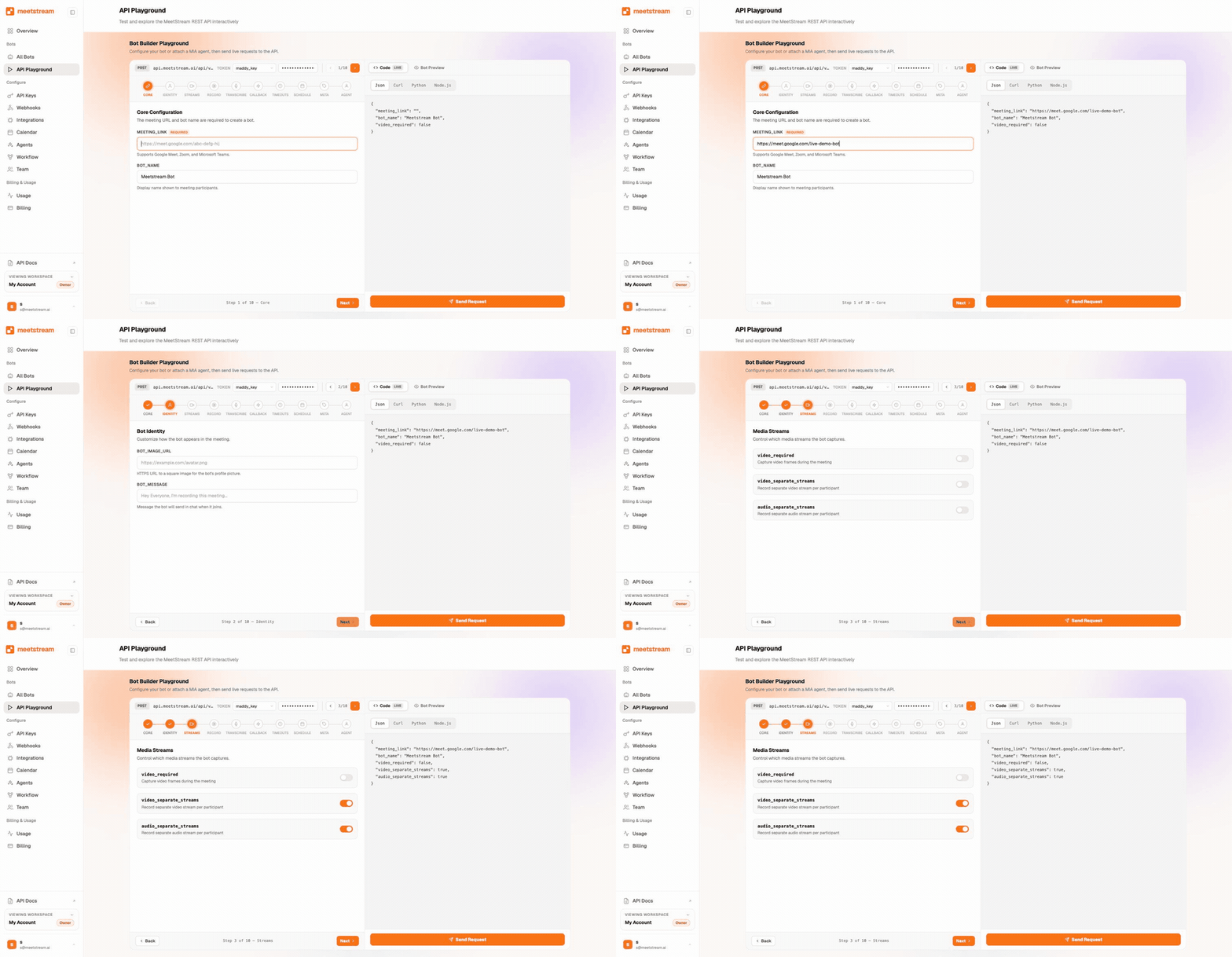
A webhook-driven enrichment pipeline
Your job starts the moment a meeting ends and the media is ready.
- Pull the transcript firstThen run a prompt for the summary, next steps and objections.
- Match guests to contactsUsing the display name and stable ID the platform reports. Email comes through where the platform shares it.
- Write the activityNothing polls, and the bot ID makes every meeting safe to replay.
The events that drive the write
One event says the meeting ended. Three more say the audio, the transcript and the video are ready. A final event says the run is complete.
{
  "bot_event": "transcription.processed",
  "bot_id": "6667fd0c-0165-471a-a880-06a1180be377",
  "bot_status": "MediaProcessing",
  "message": "Transcription processed",
  "status_code": 200,
  "timestamp": "2026-02-27T08:01:40.512000+00:00",
  "custom_attributes": { "crm_deal_id": "0067Z00001" }
}
Fetch the transcript on that event, then write the summary and next steps to the record your custom attributes name.
Send back a quick 200 first, then do the work. The webhooks page has the full contract.
Accuracy knobs for the calls that matter
When a transcript feeds a renewal record or a board summary, quality matters more.
- Run transcription againOn any stored recording, with a different engine.
- Isolate the customer voiceWith per-participant audio.
- Live and afterThe transcript after the call is your source of truth. Live transcripts show status while it runs.
What the pipeline runs on
The Calendar API puts a bot on every customer call.
Enterprise-level security, keep your data private.
The certificate, the audit status and the Trust Center are all on the security page.
MeetStream is ISO 27001 certified, with SOC 2 Type 2 under audit.
MeetStream is GDPR compliant, and bots run in the United States by default.
Bring-your-own S3 means recordings can live in your storage from the moment they are written.



Where the data rests
Data is encrypted in transit and at rest. The security page has the certificates.
Got a question? We got the answer.
Common questions about CRM enrichment. Which CRMs fit, how fast data arrives, and what it costs per meeting.
Which CRMs does this work with?
Any CRM with an API. MeetStream handles the capture side and sends structured data to your backend via webhooks. Your integration decides how to write activities: HubSpot, Salesforce, or something homegrown.
How soon after a call is the data available?
Real-time transcript chunks arrive during the call. A webhook fires when the meeting ends and full media is ready. Most enrichment pipelines write the CRM activity within minutes of the call.
How do you know who attended the meeting?
Meeting data lists every participant with join and leave times, plus the platform. It comes from the call itself, so it shows who really turned up.
What does this cost per meeting?
Pricing is $0.35 per bot-hour, plus $0.10 per hour for MeetStream transcription, on the pricing page. New accounts include free credit to test the full capture-to-CRM flow.
Records that fill themselves in.
Every customer call captured, transcribed and written to the right record, with no one typing notes.
Keep exploring
Build it on MeetStream
One API call, $5 of free credit, no card. One API joins, records, streams, and transcribes across Zoom, Google Meet, and Microsoft Teams.