Meeting analytics from raw data your product can trust
Meeting analytics start with raw data. MeetStream hands back the meeting data, the audio for each person, and a transcript with names on it.
What every meeting can tell you
Who spoke and for how long, who got cut off, who joined late, and how much of the week a team spends in calls.

The full list, for attendance and meeting size.
Join and leave times per person.
The host on every call, and how they run it.
Platform and duration, for meeting load and tool breakdowns.
That first wave of analytics lands before you touch any audio.
Talk time computed, not guessed
Speaking time, overlap and cut-offs are counted from separate streams.
- Per-participant audioOn Zoom, Google Meet and Microsoft Teams.
- Language on top of timingWord counts per speaker, question rates, topic spread and long turns.
- The data behind the featureThat is what talk-ratio and meeting-load charts are built on.
What comes back from every meeting
Diarized transcripts add language on top of timing.
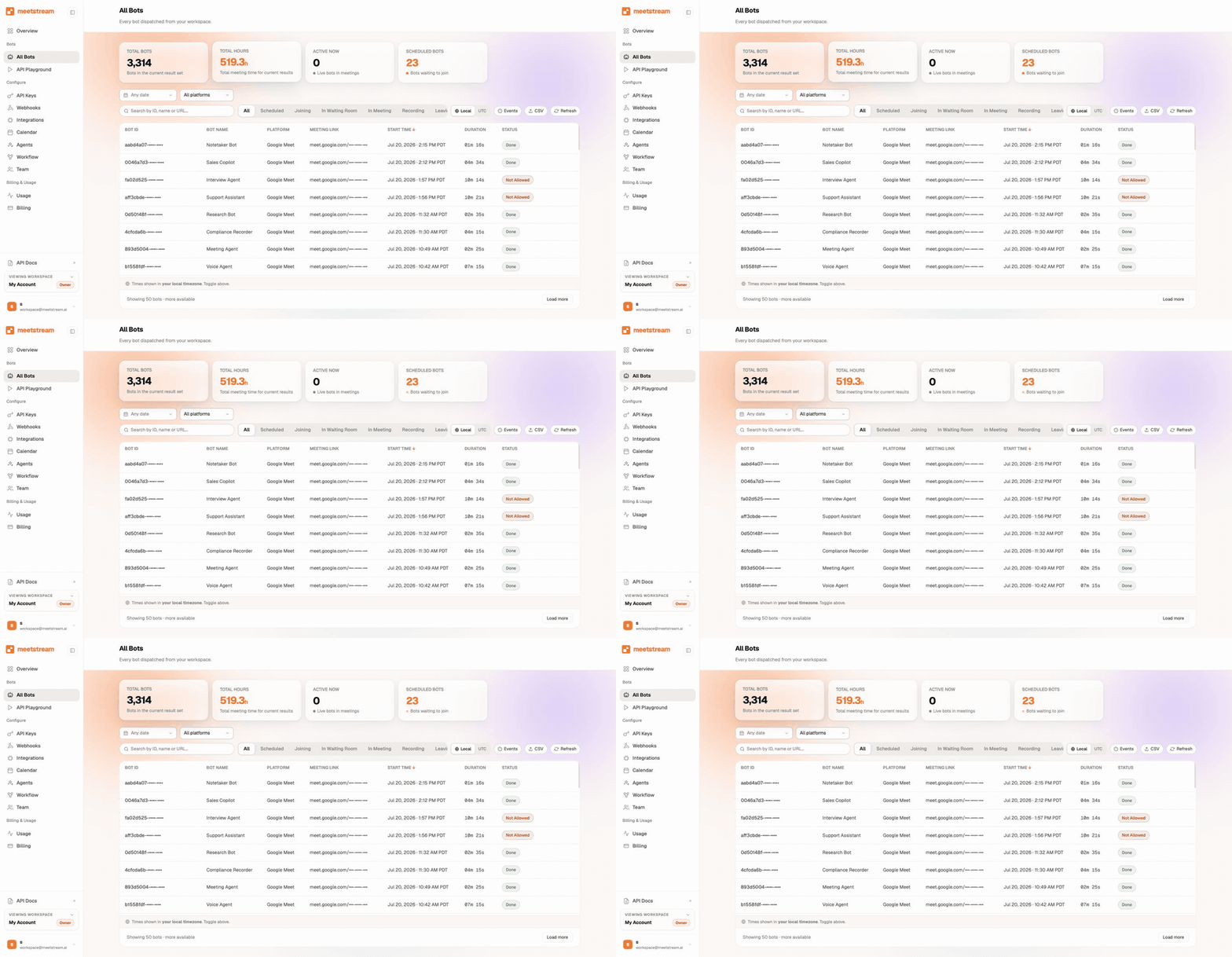
Start collecting with one request
One request with the meeting URL sets up a single meeting, and no paid meeting plan is required.
- Consent on ZoomHost consent for recording is asked there.
- Company-wide coverageThe Calendar API books bots on Google and Outlook meetings, up to three months ahead.
- Events as meetings endWebhooks send the data to your warehouse.
From one meeting to company trends
An event-driven pipeline drops each meeting data and metrics into your warehouse as it ends.
Meeting load per team. Talk-time balance over quarters. Who stops showing up to a standing call.
MP4 files and transcripts sit behind every data point, so users can drill from a chart into the moment.
What the data looks like
Two endpoints turn a recording into data you can chart.
- Fetch participantsEvery participant with a stable device ID, display name, status and their stream IDs.
- Get speaker timelineChunks that map byte ranges of the audio to speakers.
- Seconds from bytesEach chunk carries the byte range and the sample rate, so a short division gives you time.
{
  "chunks": [
    { "chunkIndex": 0, "timestamp": "115360815932", "sampleRate": 48000,
      "speakerId": "spaces/iWI9CBO8PnYB/devices/242", "speakerName": "Maddy Singh",
      "startByte": 0, "endByte": 98300 }
  ],
  "lastUpdated": "2026-03-20T04:54:51.493Z"
}
Talk time per person is a sum over chunks, and join and leave times come from participant events.
The per-participant audio entry says where names are exact, and where they are rough.
Enterprise-level security, keep your data private.
The certificate, the audit status and the Trust Center are all on the security page.
MeetStream is ISO 27001 certified, with SOC 2 Type 2 under audit.
MeetStream is GDPR compliant, and bots run in the United States by default.
The people being measured can see the bot in the participant list.



Analytics limits and defaults
Bring-your-own S3 keeps media in your storage when data governance asks for it.
Got a question? We got the answer.
Common questions about the data. What arrives, how exact talk time is, and what scale costs.
What metadata comes with every meeting?
You get the participant list with stable IDs. You also get join and leave events for each person, plus the platform and duration. That alone supports attendance, punctuality, and meeting-load analytics. No audio work needed.
How accurate is the talk-time data?
It comes from separate per-participant audio streams. Speaking time and overlap are measured directly, not guessed from a mixed track. Diarized transcripts add per-speaker word counts on top.
Can I get analytics data in real time?
Yes. Audio streams over WebSocket at around 200ms latency. Real-time transcripts arrive via webhook during the call, so live dashboards work. Most analytics products use the full data set sent at the end of each meeting.
What does it cost to instrument a whole organization?
Pricing is $0.35 per bot-hour, plus $0.10 per hour for MeetStream transcription, on the pricing page. Free credit on new accounts lets you benchmark a handful of meetings before scaling up, with dedicated Slack support along the way.
Numbers your dashboard can stand behind.
Meeting data, audio for each person, and a transcript with names, from one API.
Build it on MeetStream
One API call, $5 of free credit, no card. One API joins, records, streams, and transcribes across Zoom, Google Meet, and Microsoft Teams.