Zoom integration
The MeetStream Zoom integration puts a bot in any Zoom meeting from its link. It records the call and streams every participant separately.
What you get with Zoom
Zoom gives the cleanest per-participant audio of the three platforms, and one request reaches all of it.

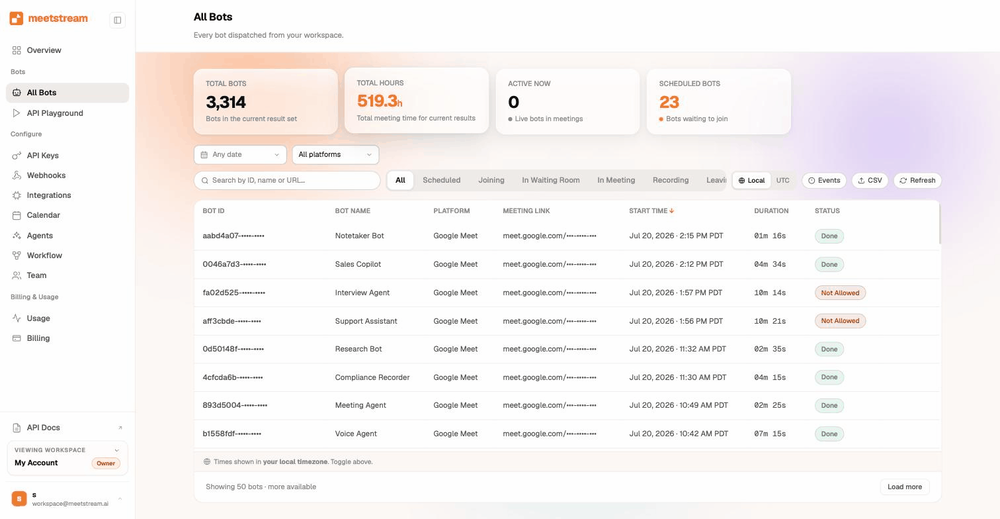
One API call puts a bot in any Zoom meeting.
A clean stream for each participant, plus video per participant.
MP4 files, real-time audio over WebSocket, and speaker-labelled transcripts.
Each end user authorises once, and bots join on their behalf.
The bot can send chat messages, images or GIFs into the meeting, and it returns participant events and a speaker timeline.
Zoom Marketplace app setup
Zoom takes one preparation step. Every bot after that is a single API call.
- Create the app onceIn the Zoom App Marketplace choose Develop, Build App, General App. User-managed and admin-managed both work.
- Set the OAuth URLsThe redirect URL and the allow-list entry take the two MeetStream values in the setup guide.
- Enable Meeting SDKUnder Features, Embed, enable Meeting SDK. Leave Device OAuth off.
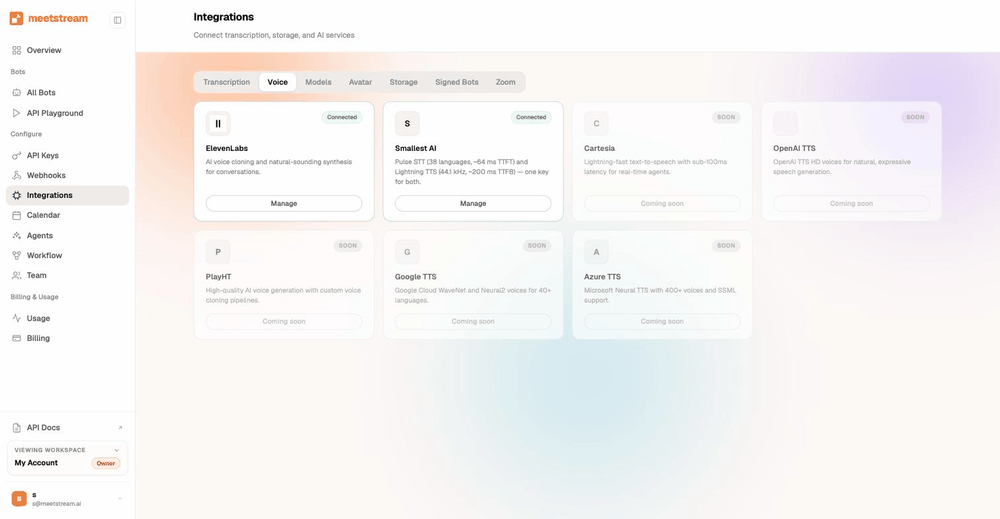
- Paste the credentialsCopy the Client ID and Client Secret into the dashboard, under Integrations, Zoom, then complete OAuth.
From development mode to production
In development mode the app joins meetings hosted by your own Zoom account, which is enough to build and test end to end.
Production approval from Zoom opens it to any host, and takes a few business days. The production submission guide lists what Zoom asks for.
Three ways a bot gets into a Zoom meeting
Pick the route that matches whose Zoom account hosts the meeting.
- App credentialsThe Marketplace app alone, right for an internal tool where your own account hosts every meeting.
- OBF, on behalf ofEach end user authorises once, and MeetStream issues short-lived tokens for their bots.
- ZAK, Zoom Access KeyA per-user Zoom token that joins as that user. MeetStream manages the token exchange.
Which route fits your product
| Route | When it fits | What it needs |
|---|---|---|
| App credentials | An internal tool on one Zoom account | Dev mode covers your own meetings; production approval opens any meeting |
| OBF, on behalf of | Customers connect their own Zoom accounts | Scopes user:read:user and user:read:token, auditable and revocable per user |
| ZAK, Zoom Access Key | Existing setups | Consent and revocation sit on your side. OBF is the recommended path |
With OBF your backend asks MeetStream for an authorise URL. The user consents in Zoom, and your callback hands the code back.
From then on the bot request just names the user.
curl -X POST https://api.meetstream.ai/api/v1/bots/create_bot \
  -H "Authorization: Token $MEETSTREAM_API_KEY" \
  -H "Content-Type: application/json" \
  -d '{
    "meeting_link": "https://zoom.us/j/123456789?pwd=…",
    "bot_name": "Notetaker",
    "zoom": { "use_zoom_obf": true,
              "zoom_oauth_connection_user_id": "<zoom_user_id>" }
  }'
A connections endpoint lists and revokes them. A connection lasts until the user changes their Zoom password, uninstalls the app, or goes 90 days idle.
One more consent run brings them back. The OBF implementation guide has the full sequence.
How the bot joins and asks to record
The bot enters from the link as a visible participant, under the name you give it.
- Waiting room, your windowIt waits from 60 to 1200 seconds, 600 by default, then reports back.
- Host consent, asked for youThe bot announces itself, requests permission and waits for the answer.
- Both branches as eventsA webhook tells your product which branch happened. Any Zoom tier can be recorded.
What you can capture on Zoom
| Artefact | On Zoom |
|---|---|
| Per-participant audio | Full isolation. The SDK gives a raw PCM stream per participant, so each file holds only that microphone. WebM/Opus, 48 kHz mono, up to 16 concurrent speaker streams. |
| Per-participant video | Webcam at 640 by 360, 300 kbps; screen share at native resolution, 1.5 Mbps; one concurrent screen share. |
| Composed recording | Composed MP4 and a mixed WAV audio always produced |
| Real-time audio | 48 kHz PCM16 frames with speaker ID and name over your WebSocket, typically under 200 ms |
| Transcripts | Live through Deepgram or AssemblyAI streaming, plus five post-call transcription engines |
| Chat and images | Post text, images and animated GIFs into the live meeting. The chat log is ready to fetch afterwards |
| Participants and timeline | Join and leave events, stable participant IDs, byte-accurate speaker timeline |
Each participant arrives on a separate stream, so speaker labels come straight from the stream.
The Zoom API page compares this with what Zoom's own APIs expose, with sources.
Enterprise-level security, keep your data private.
The certificate, the audit status and the Trust Center are all on the security page.
MeetStream is ISO 27001 certified, with SOC 2 Type 2 under audit.
MeetStream is GDPR compliant, and bots run in the United States by default.
The bot asks the way Zoom requires and tells you when the host answers.



Why is my Zoom bot not joining?
Password component included, and inside its validity window.
Production approval lets the app join meetings hosted by other accounts.
Let it in from the waiting room, or raise the waiting-room timeout.
A password change, an uninstall or 90 days idle ends a connection.
Zoom RTMS: where it fits
Zoom's Realtime Media Streams send media per participant with no bot in the room. They work for accounts that install a Marketplace app with the right permissions.
RTMS support is in progress here, and the API call you write today carries straight over.
Got a question? We got the answer.
Common questions about Zoom bots. How they get in, what they capture, and which access route to pick.
Do I need to be the Zoom host to add a bot?
Any participant link is enough. The bot joins from that link, and a host admits it like any guest when a waiting room is on. A production-approved Marketplace app joins meetings hosted by anyone. In development mode it covers meetings your own account hosts.
What is Zoom OBF and do I need it?
OBF means on-behalf-of. Each of your end users authorises your Zoom app once, and bots then join on their behalf. The connection is per user, and you can audit or revoke it. You need it when your customers connect their own Zoom accounts. A single-account internal tool can run on the app credentials alone.
What is a ZAK and how is it different?
A Zoom Access Key is a per-user Zoom token that lets a bot join as that user without the OBF consent flow. OBF replaces it with a connection the user has authorised, which you can audit or revoke per user. MeetStream supports both and manages the token exchange either way.
Can I get each Zoom participant on a separate track?
Yes, and Zoom is the cleanest platform for it. The SDK gives a raw PCM stream per participant, so each file holds only that person's microphone. Turn on separate streams when you create the bot.
Why did my bot leave without recording?
Zoom gates recording on host consent. When the host declines the prompt, or lets it run past your timeout of 60 to 300 seconds, the bot leaves cleanly. A permission-declined webhook and a clean exit event tell you which branch ran, so ask the host to approve the prompt next time.
Does the bot support Zoom RTMS?
Realtime Media Streams support is in progress alongside our Zoom partnership work. Today bots join through the Meeting SDK. The API you write against stays the same when RTMS lands.
Do password-protected links work?
Yes. Pass the full invite URL, password component and all, as the meeting link.
Can the bot post in Zoom chat or show an image?
Yes. One call posts text to the meeting chat. Another puts an image, animated GIFs included, on the bot's video tile.
A bot in any Zoom call, from the link.
Create the Marketplace app once. Every bot after that is one request and $0.35 an hour.
Put a bot in your next Zoom call
Create the Marketplace app once. Every bot after that is one request and $0.35 an hour.