Capture and analyze user research sessions with one API
To automate session recording, send a MeetStream bot to each research call. It joins Zoom, Google Meet or Teams, records, and delivers the video and a speaker-labelled transcript to your analysis pipeline by webhook.
Join them where they already meet
Finding research participants is hard enough. Nobody should have to install a new tool.
The same API, so no session is lost at the margins.
No host permission or paid meeting plan is required.
A researcher, a participant, or an agency in the middle.
Cut highlight reels from the user stream alone.
The full-session MP4 is there for context, and per-participant audio keeps quotes clean.
Per-participant video for highlight reels
The best research artifact is a clip of a real user reacting.
- A separate file per personNo moderator face or voice in every clip.
- Quotes correctly taggedEven when the moderator and the user talk over each other.
- The full session tooThe composed MP4 keeps the context around every clip.
What comes back from every session
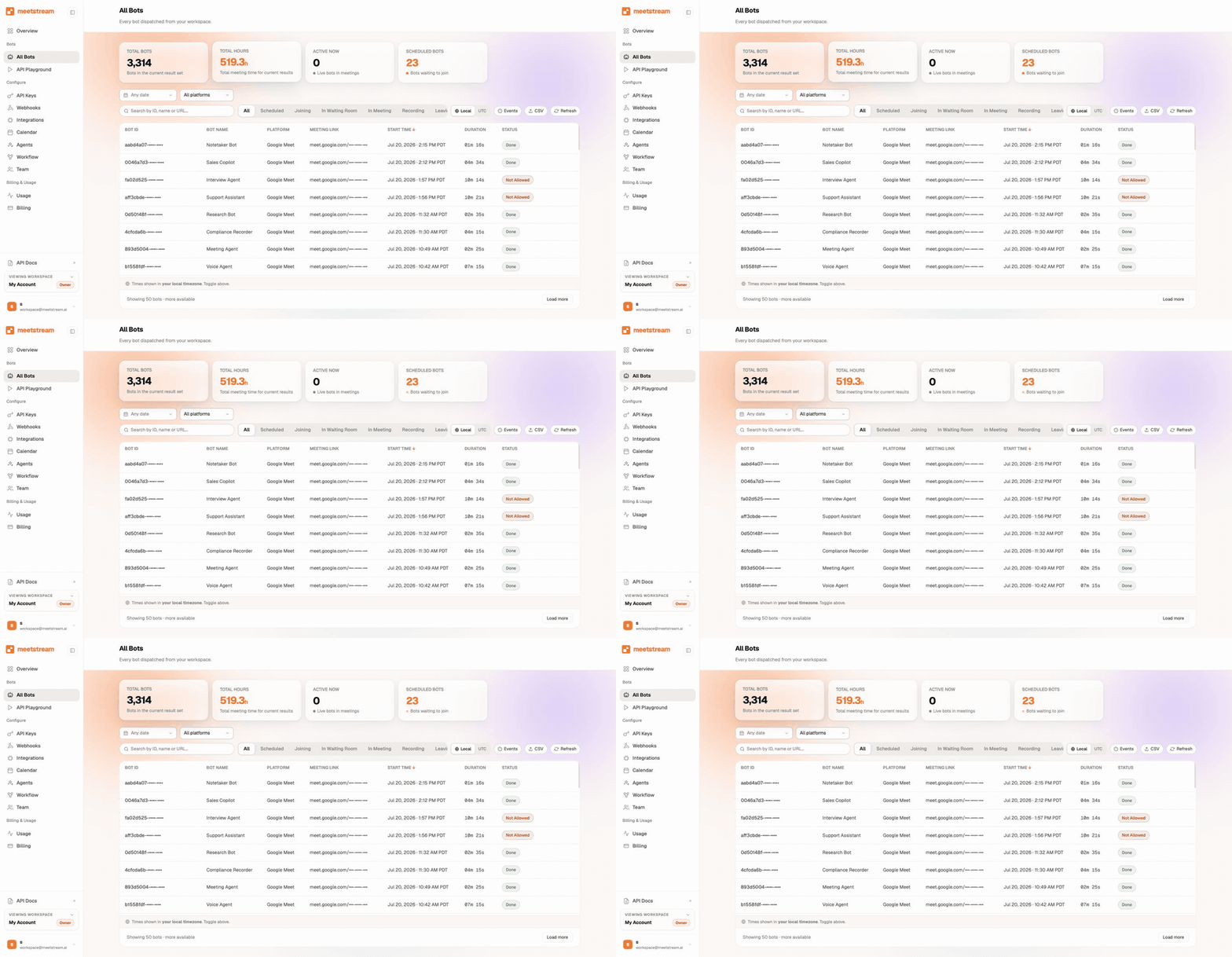
For booked studies, the Calendar API places bots on every upcoming session.
Transcripts you can tag
The transcript splits what the moderator asked from what the user said.
- Structure for the workflowTagging, theming, quote pulling and search all start from it.
- Timestamps to the footageA tagged insight is one click from the moment in the video.
- A second pass when you need itRun transcription again on the stored recording with a different engine.
Make every session searchable
Each session arrives in pieces. Feeding a research repository is simple.
| What you do | What it gives you |
|---|---|
| Embed and index the transcript | Search across every session |
| Attach clips from per-participant video | Evidence a reader can watch |
| File it under the study | Using meeting data like people and duration |
| Write media to your own bucket | When research media has to stay in your own storage |
Transcripts also arrive in real time by webhook if your product offers live notes.
Shared screens are captured
Usability sessions are mostly a shared screen, so this matters.
- Their own segmentsTurn on separate video streams. Screen shares are then caught next to the webcams.
- Up to 1280 by 720On Google Meet and Teams, and native resolution on Zoom.
- A switch is explicitA new numbered segment starts whenever a share changes resolution.
Where the media rests
Participant data is encrypted in transit and at rest.
Enterprise-level security, keep your data private.
The certificate, the audit status and the Trust Center are all on the security page.
MeetStream is ISO 27001 certified, with SOC 2 Type 2 under audit.
MeetStream is GDPR compliant, and bots run in the United States by default.
Recordings can go straight to it for the archive.



Session limits and defaults
Got a question? We got the answer.
Common questions about research sessions. Formats, timing, and how to try it.
Does this work for both moderated and unmoderated research?
It covers any session that runs as a live meeting on Zoom, Google Meet, or Microsoft Teams. That is where most moderated research happens. Unmoderated tests recorded inside your own product would use your own capture path.
What format do recordings come in?
You get an MP4 of the full session, plus separate audio and video files for each participant. Metadata tells you who attended and when they joined and left. That covers both playback and clip-cutting workflows.
How quickly are transcripts ready?
Real-time transcript segments with speaker labels can stream to your webhook during the session. The full async transcript is ready after it ends. You can re-trigger transcription whenever you want a fresh pass.
How do we try it before committing?
Sign up at app.meetstream.ai, grab an API key, and use the included free credit to record a few test sessions. The docs at docs.meetstream.ai walk through the first bot in a few minutes.
Every session, ready to analyse.
Video for each person and a clean transcript, from all three platforms.
Keep exploring
Build it on MeetStream
One API call, $5 of free credit, no card. One API joins, records, streams, and transcribes across Zoom, Google Meet, and Microsoft Teams.