Interview intelligence for recruiting platforms
Interview intelligence rests on the record. MeetStream records and writes up interviews on Zoom, Google Meet and Teams, from one API.
How to record interviews across Zoom, Meet, and Teams
Candidates join with the tools they have. So an interview product covers all three platforms from day one.

The same code, whichever platform the firm already uses.
The meeting bot joins from the link, and Zoom asks the host for recording consent.
Your customer, the hiring manager, or an outside recruiter.
Calendar integration places bots on upcoming interviews, up to three months out.
Every panel then lands in the same record, ready to review.
Split the candidate from the panel
An interview has many voices. Separate tracks make it easy to review.
- A clean candidate streamPer-participant audio and video files, plus the full MP4, free of panel crosstalk.
- Answers grouped by questionSpeaker labels turn raw text into structure.
- Talk time per interviewerWhich shows whether panels stuck to the script.
What comes back from every interview
Quotes stay sourced when a hiring decision gets debated.
One request per interview
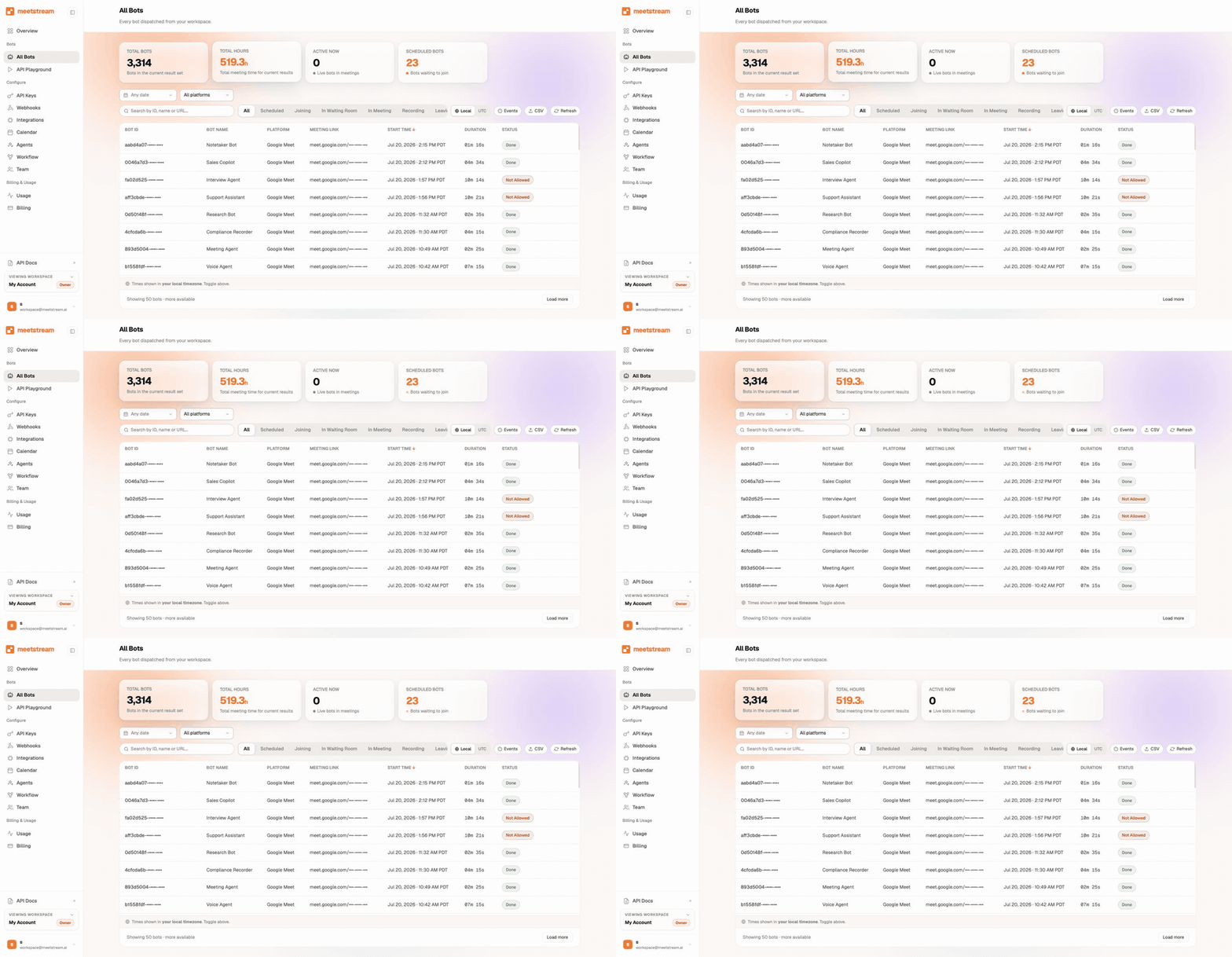
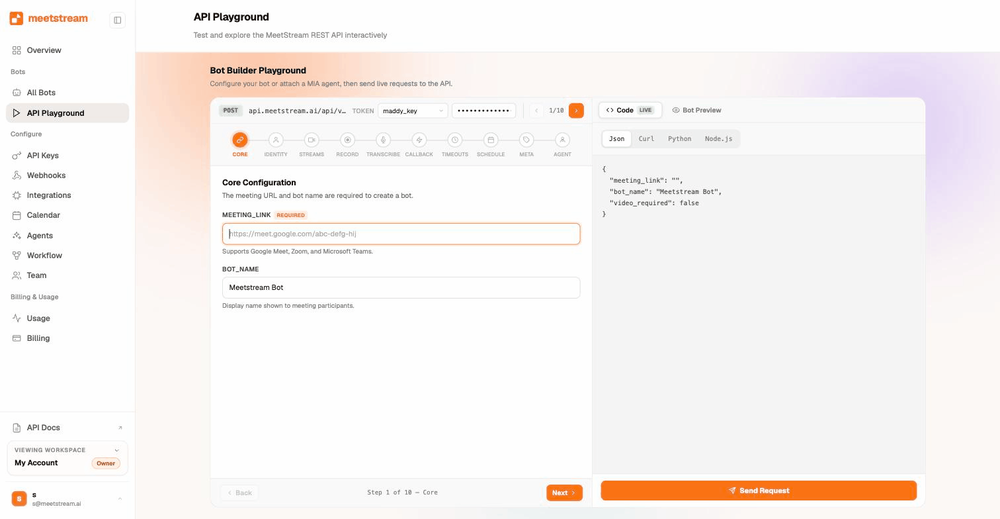
Your system already knows the meeting link. Setting up an interview takes one request.
- Status as it changesThe panel joined. Recording started. The call ended. The files are ready.
- Waiting rooms handledEvents tell your platform exactly where the bot is, so you can prompt the interviewer.
- Or schedule it aheadCalendar integration with Google and Outlook places bots up to three months out.
Fairer hiring calls from one record
When every interview leaves the same files, a scorecard can quote what the candidate said, with the time.
Join and leave data shows who was there for which part.
You can also show the same question answered by five people, side by side.
Panel days and interview loops
A loop of five interviews at once is five bots. There is no cap.
- Four hours, five on requestWhich covers a full panel block.
- Under ten seconds to joinFor bots created on demand.
- Loops follow the calendarBots are booked onto each interview, and they move when a time moves.
How is candidate data kept safe?
Interview files are personal data. They are held for 30 days at no charge, and you can change that per bot.
The recruiting page covers the same workload from the platform side.
Enterprise-level security, keep your data private.
The certificate, the audit status and the Trust Center are all on the security page.
MeetStream is ISO 27001 certified, with SOC 2 Type 2 under audit.
MeetStream is GDPR compliant, and bots run in the United States by default.
With bring-your-own S3, deletion stays under their rules from the start.



Interview limits and defaults
Got a question? We got the answer.
Common questions about interviews. Consent, candidate audio, waiting rooms, and where the files live.
How is candidate consent handled?
The bot joins as a visible, named guest, so everyone in the interview can see it is recording. Your product owns the disclosure flow. Most platforms pair the bot with notice in the interview invitation.
Can I get a clean recording of just the candidate?
Yes. Per-participant audio and video files come with the full meeting MP4. Scoring tools and highlight clips can use the candidate's stream on its own.
What if the interviewer forgets to admit the bot?
When a waiting room is on, the bot waits to be let in like any guest. Webhook events tell your platform exactly where it is, so you can prompt the interviewer in real time and start the recording on schedule.
Where are interview recordings stored?
By default they sit in MeetStream's encrypted storage, and you fetch them via API. With bring-your-own S3, recordings land in your bucket or your customer's. Many talent teams prefer that for retention policy reasons.
One record every panel can review.
One API records and writes up interviews on all three platforms.
Keep exploring
Build it on MeetStream
One API call, $5 of free credit, no card. One API joins, records, streams, and transcribes across Zoom, Google Meet, and Microsoft Teams.