Build an AI meeting notetaker without building bot infrastructure
An AI meeting notetaker needs a bot that joins meetings, records them and returns clean transcripts. MeetStream gives you that layer as an API.
Why teams stop building meeting bots in-house
Running your own meeting clients on three platforms is a full-time job, and every hour of it is an hour away from your product.

Join flows, media formats and quirks are handled for you.
Each platform changes on its own schedule, and the layer keeps pace.
Your engineers go back to summaries, search and the notes UI.
Already running on MeetStream in production.
Most notetaker teams eventually move to a meeting bot API for exactly that reason.
Everything a notetaker needs, from one integration
Recording, transcription and meeting data all arrive from one vendor.
- MP4 and per-participant filesThe whole meeting, plus audio and video for each person, from the meeting recording API.
- Transcripts live or afterSpeaker-labelled chunks stream to your webhook. Async transcripts arrive after the call.
- Meeting data and chatParticipants, join and leave times, who hosted, which platform, and the in-meeting conversation.
What comes back from every meeting
In-house transcription is an add-on when you want one vendor for the whole pipeline.
Ship it with one API call
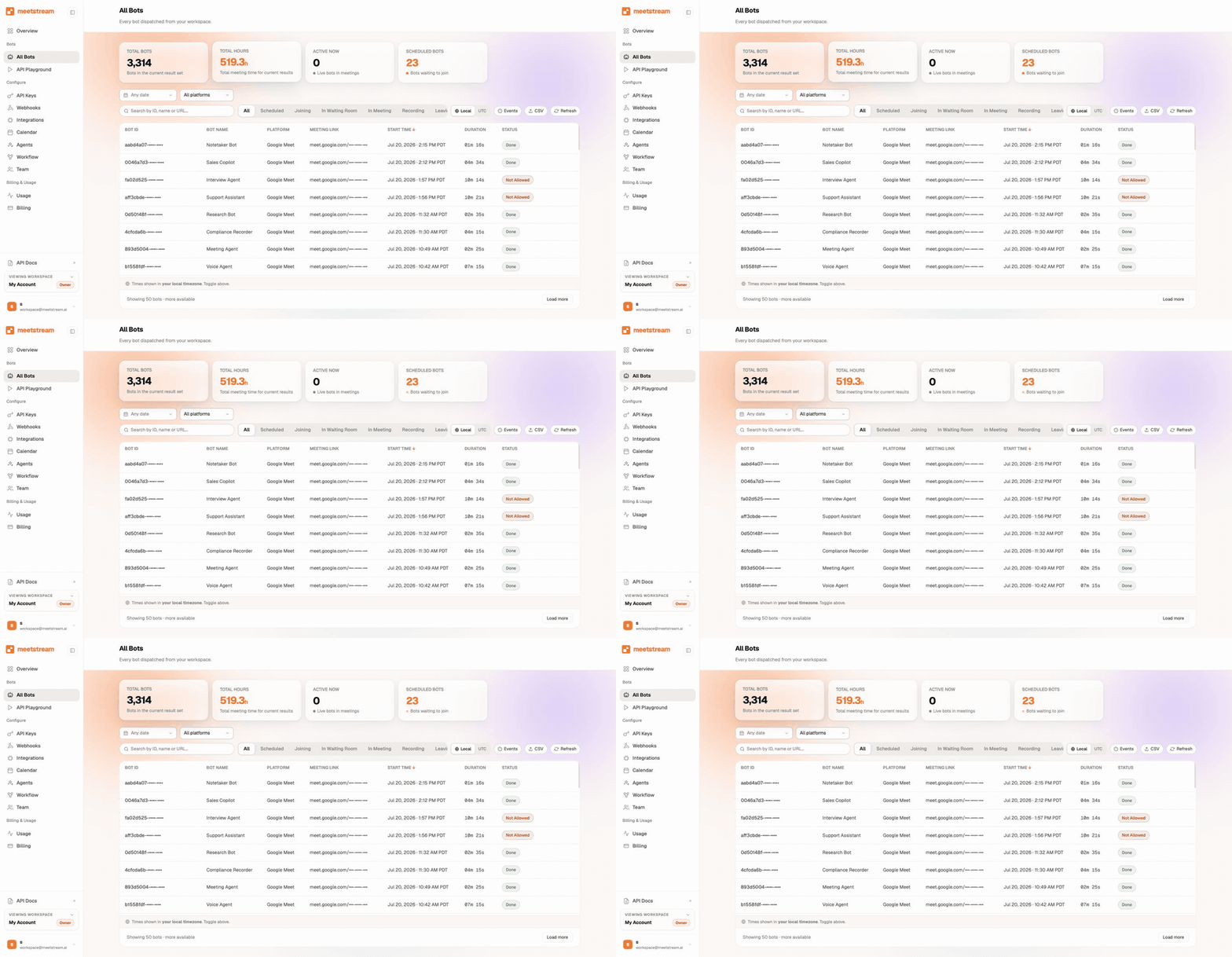
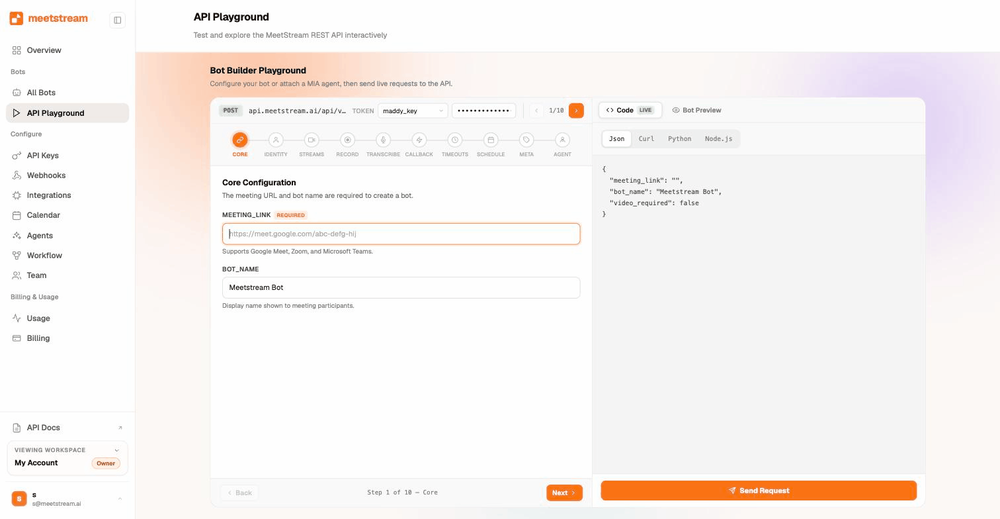
One request with the meeting URL puts a bot in the call within seconds.
- Any host planFree and paid meeting plans alike. Google Meet and Teams admit it like any guest, and Zoom asks the host for recording consent.
- Events keep you in syncBot joined, recording started, meeting ended, media ready.
- Event driven and statelessYour notetaker logic stays simple.
Auto-join every meeting with calendar integration
The Calendar API connects Google and Outlook calendars and schedules bots up to three months ahead.
Once a user connects a calendar, every future call is captured. Nobody pastes a link, and the bot is in the call before the first participant.
Create your first botQuickstart guide: request, response and options in the docsFrom raw transcript to notes people actually read
Transcripts arrive already segmented by speaker, so your summarisation layer starts from clean structure.
- Correct attributionFeed diarized segments to the model of your choice for summaries, decisions and action items.
- Linked to the recordingEvery item points back to its timestamp.
- A quality leverWhen one speaker matters most, process just that stream instead of the mixed track.
Retention, re-transcription and your own storage
Re-transcription is how notetakers compare engines on real audio. Teams that want retention governed by their own policy alone write everything to your own storage.
Enterprise-level security, keep your data private.
The certificate, the audit status and the Trust Center are all on the security page.
MeetStream is ISO 27001 certified, with SOC 2 Type 2 under audit.
MeetStream is GDPR compliant, and bots run in the United States by default.
Data is encrypted in transit and at rest, and your own bucket keeps it in your account.



Notetaker limits and defaults
The security page has the certificates and the Trust Center.
Got a question? We got the answer.
Common questions about notetakers. What the host has to do, which platforms are covered, and what it costs.
Does the meeting host need to approve or install anything?
The bot joins from a meeting link like any other participant, on free and paid host plans alike. Google Meet and Teams admit it like any guest, and Zoom asks the host for recording consent. Where a waiting room is on, someone in the call admits the bot, the same as any guest.
Which platforms does the notetaker API support?
Zoom, Google Meet, and Microsoft Teams through the same API. Your integration code stays identical across all three, so you can launch multi-platform support on day one.
Do I get transcripts live or after the meeting?
Both. Real-time transcript chunks with speaker labels stream to your webhook during the call. A full async transcript is ready afterward. You can also re-trigger transcription on a stored recording whenever you need a fresh pass.
How much does it cost to run a notetaker on MeetStream?
Pricing is $0.35 per bot-hour, plus $0.10 per hour for MeetStream transcription, on the pricing page. Every new account starts with free credit, so you can record your first meetings before paying anything.
A notetaker without the bot layer.
One API joins, records, streams and transcribes across Zoom, Google Meet and Microsoft Teams.
Keep exploring
Build it on MeetStream
One API call, $5 of free credit, no card. One API joins, records, streams, and transcribes across Zoom, Google Meet, and Microsoft Teams.