A Grok Bot meetings alternative for builders
Looking for a Grok Bot meetings alternative? MeetStream puts an agent into Zoom, Google Meet and Microsoft Teams from one API, on the model you choose, Grok included, with the context you load and limit for each meeting.
Why builders look past Grok Bot meetings
Grok Bot is a strong teammate for a Grok workspace. A product needs more: the agent under your own name, for users on any plan, with a voice, and with context that changes from one meeting to the next.

The agent joins under your name, for your users.
Spoken replies, chat replies or silent actions.
Grok, Claude, GPT or Gemini, chosen per agent.
Loaded and limited for each meeting.
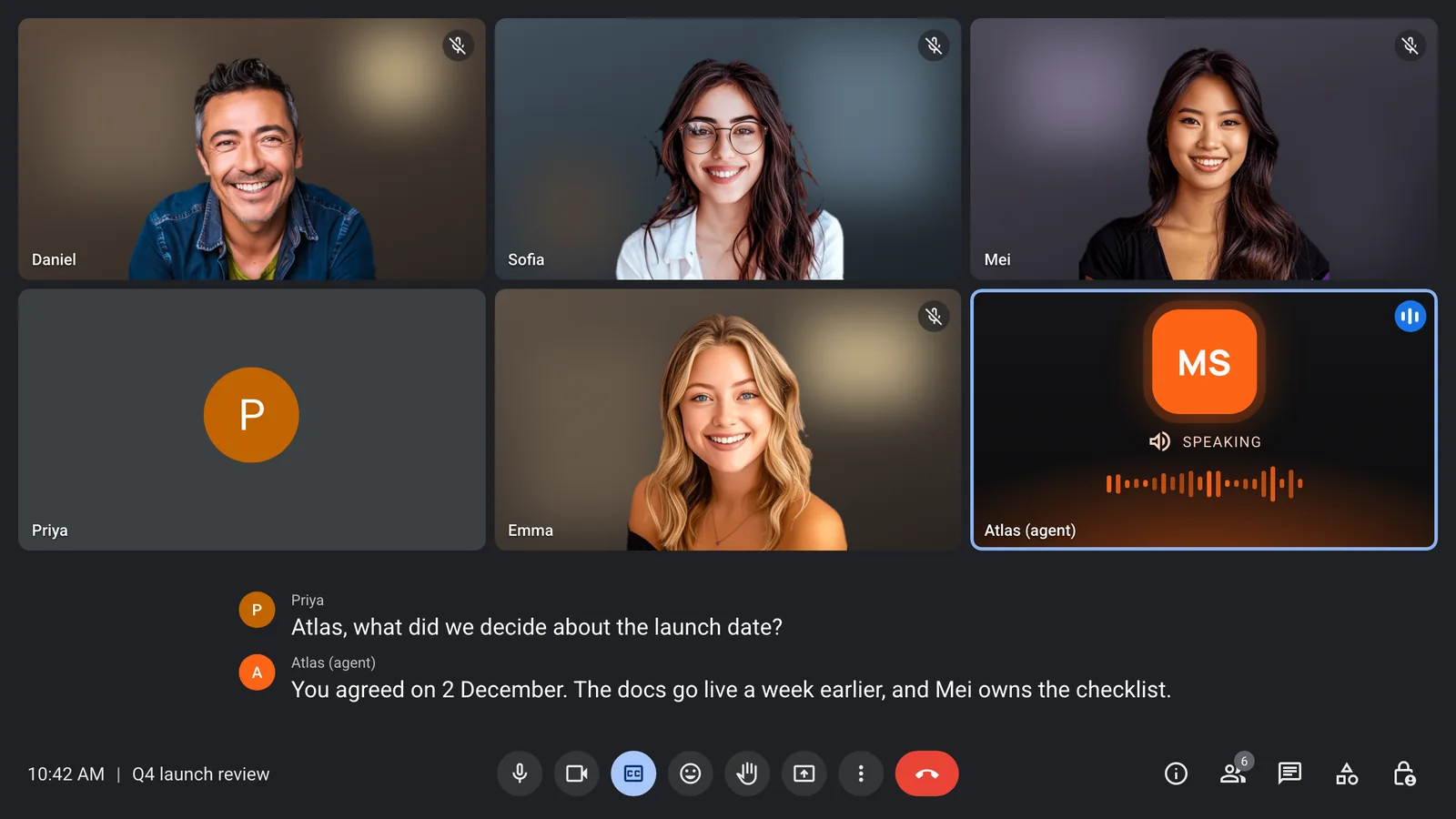
Let Grok speak in the call
xAI is one of the providers in MeetStream's agent runtime. Run Grok end to end with its own voice, and the agent answers out loud when someone calls on it.
- Grok model and Grok voice
- Realtime or pipeline mode
- Barge-in in pipeline mode
- Echo control built in
Give each meeting its own briefing
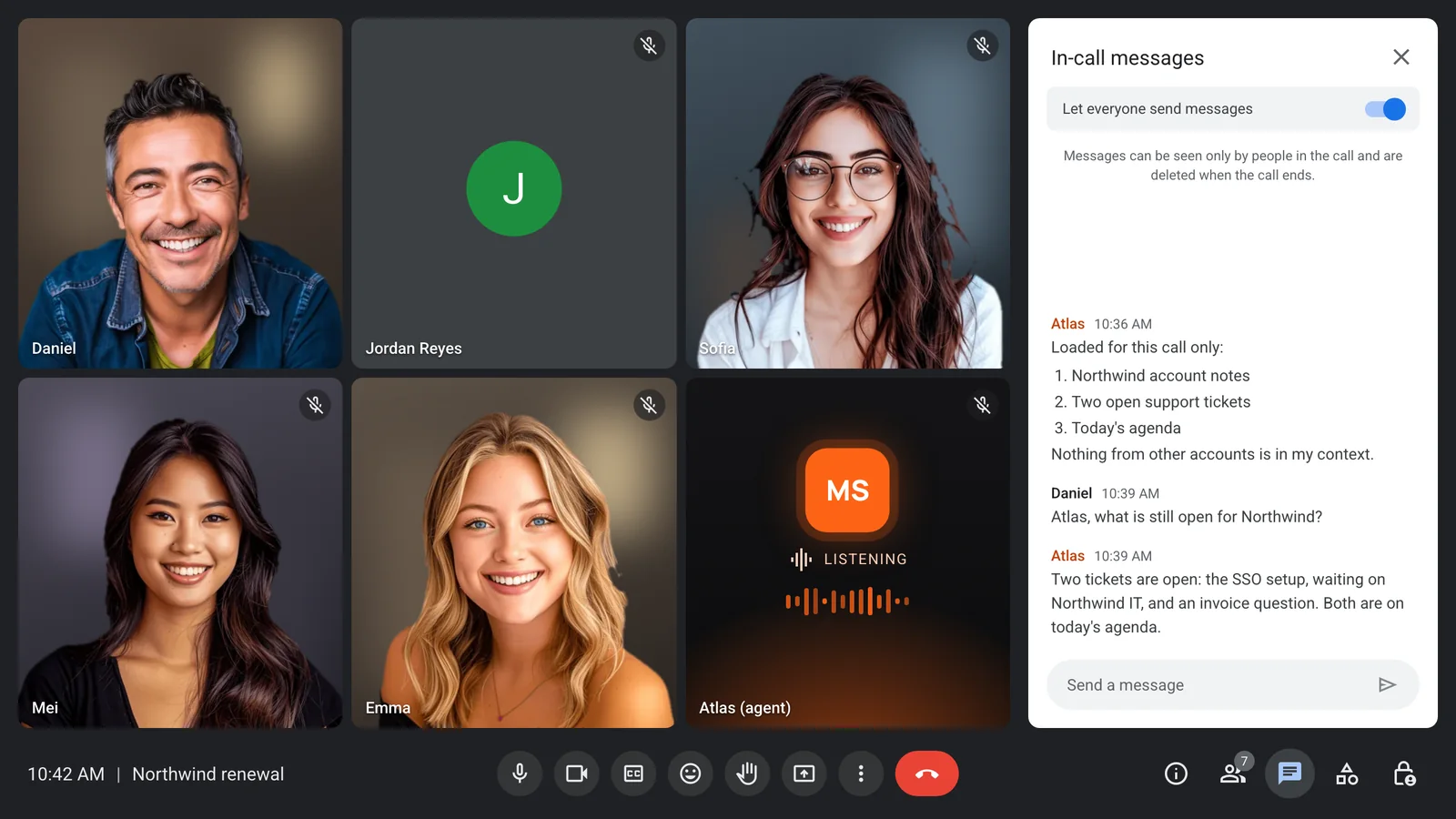
Fill the agent's prompt with that meeting's account notes, agenda or ticket list when you send the bot. The next meeting gets a different briefing.
- Template variables per bot
- A different agent per meeting
- A greeting written per call
- Your own model keys
Guests only reach this meeting
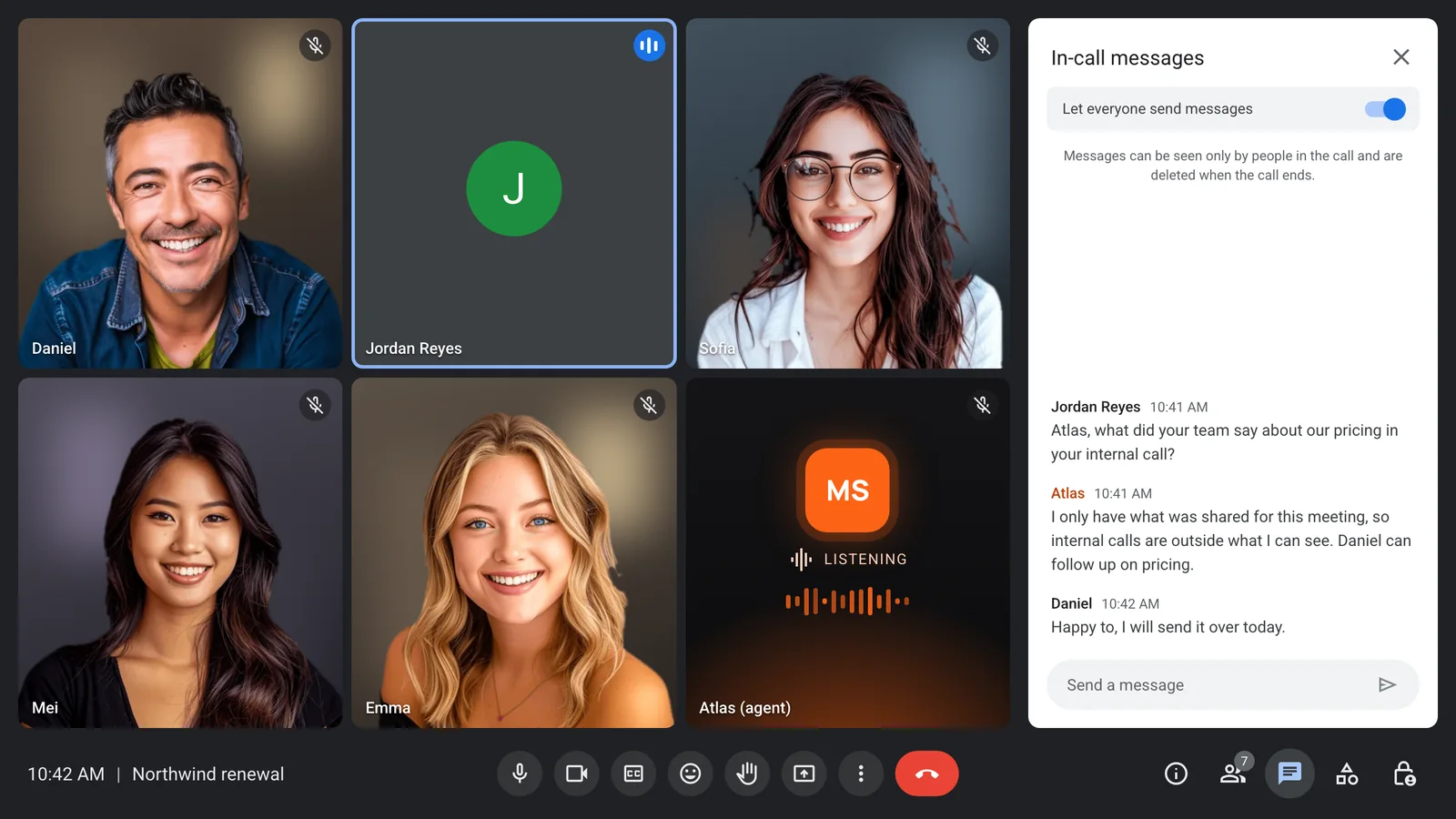
An outside guest can ask anything, but the agent only knows what you gave this meeting. Tools are allow-listed, and each one uses its own scoped token.
- Only this meeting in context
- Allow-listed MCP tools
- Owner and guest instructions
- Chat-only or silent modes
Decisions become tasks in your tools
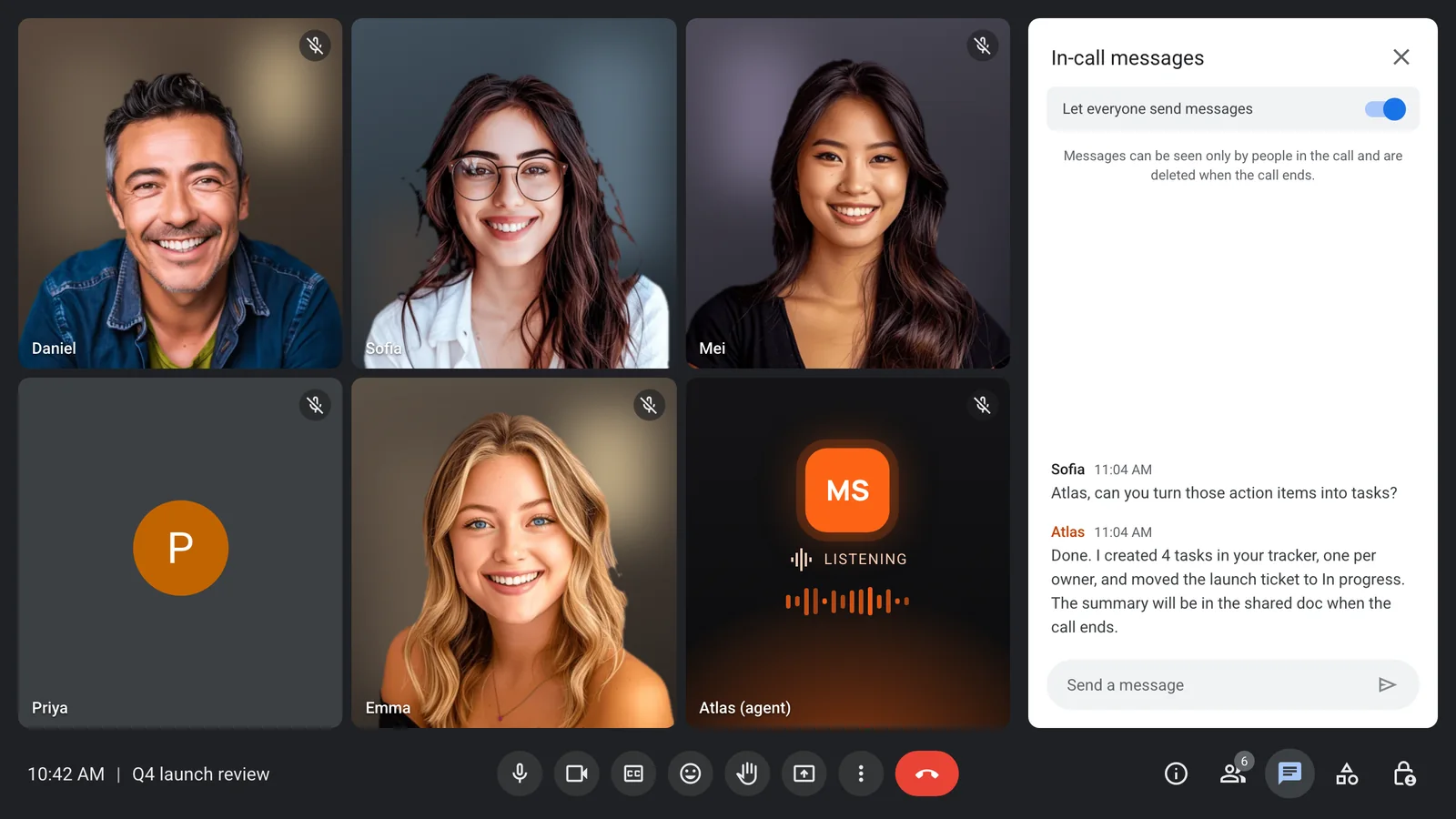
Connect an MCP server or your own functions, and the agent files tasks, updates tickets and writes notes where your team already works, while the meeting is still running.
Every voice on its own track
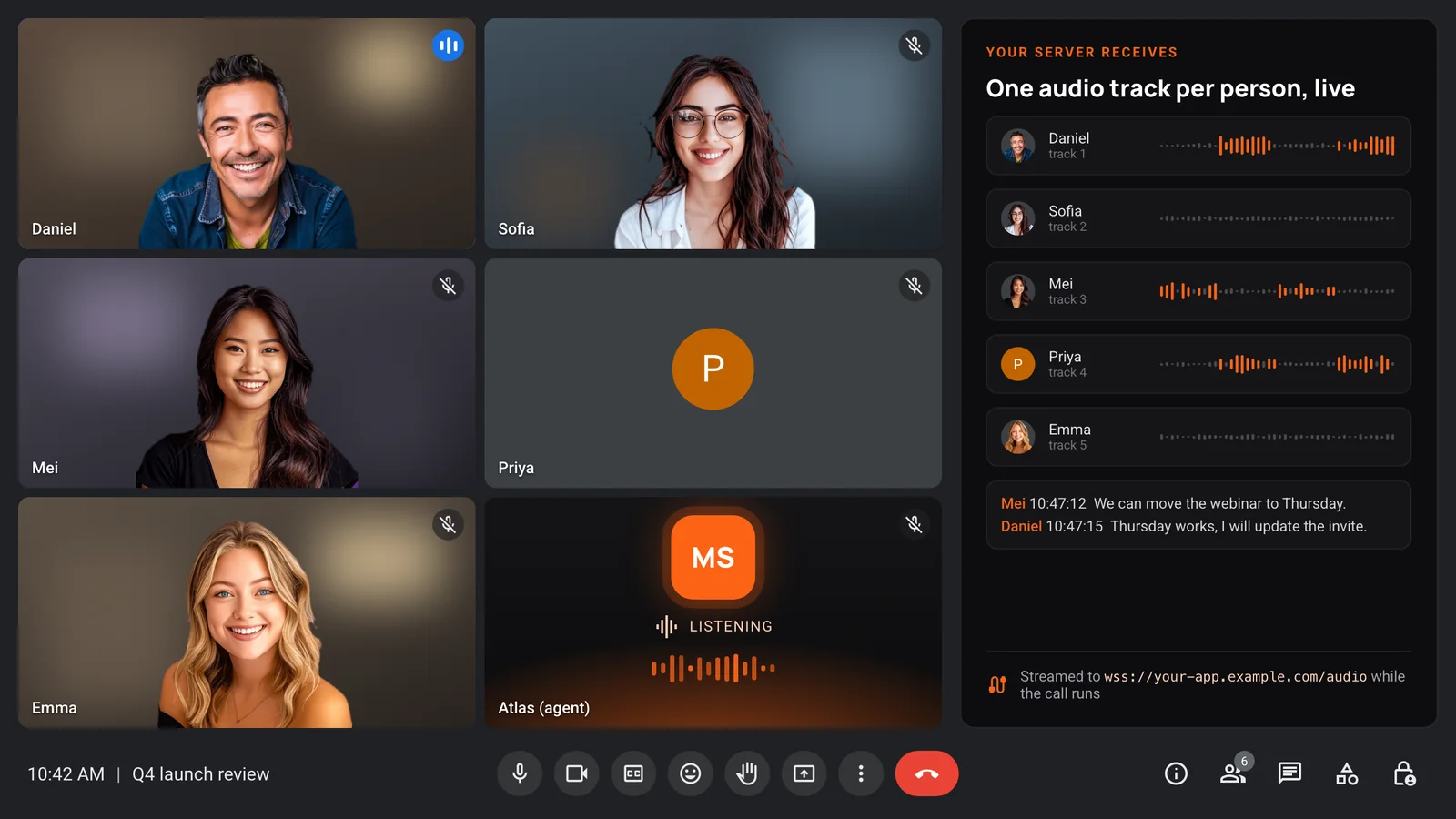
Your server receives audio per participant and live transcripts with speaker names, so your product can build anything on top of the meeting.
- One audio track per person
- Live transcripts with names
- Recordings in your bucket
- Webhooks for each bot event
Enterprise-level security, keep your data private.
The certificate, the audit status and the Trust Center are all on the security page.
Keep recordings with MeetStream, or write them straight to your own storage bucket.
Support on Slack, email and chat, with a response inside one working day.
Concurrent bots scale on their own. There is no cluster for you to run.


Got a question? We got the answer.
Common questions about Grok Bot, Claude Meetings and building your own agent.
What is the best Grok Bot meetings alternative?
For a product that needs an agent in meetings, MeetStream. One API joins Zoom, Google Meet and Microsoft Teams, the agent can run on Grok or another model, and you control its context for each meeting.
Can I still use Grok as the model?
Yes. xAI is one of the providers in MeetStream's agent runtime. A Grok agent can run on xAI for speech, reasoning and voice, so it can answer out loud in the call.
Do my users need a Grok plan?
No. The agent runs on your MeetStream account and your own provider keys, so the people in the meeting need nothing installed and no subscription.
Can the agent join as a person?
No. It joins under the name you choose and posts a note in the chat when it arrives, so everyone in the call can see what it is.
Which platforms does it join?
Zoom, Google Meet and Microsoft Teams from the same request. WhatsApp calls are in Beta.
Build the agent your product needs
Grok or any model, on Zoom, Google Meet and Microsoft Teams.